The new way of creating posters

Create in a Flash
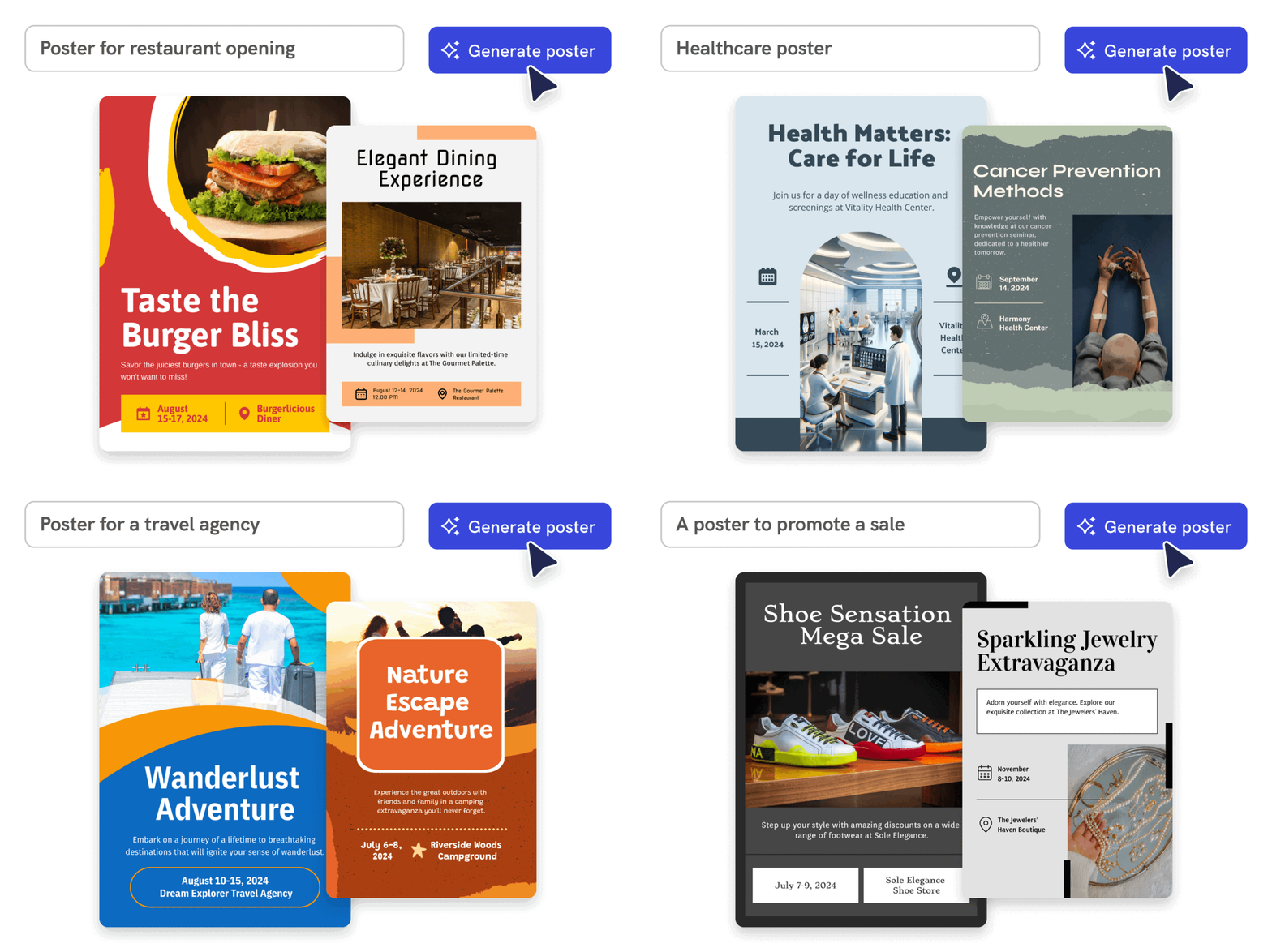
Prompt to poster in 10 seconds
Say goodbye to complicated design steps. Simply type in your theme and watch as our AI poster maker transforms it into reality.

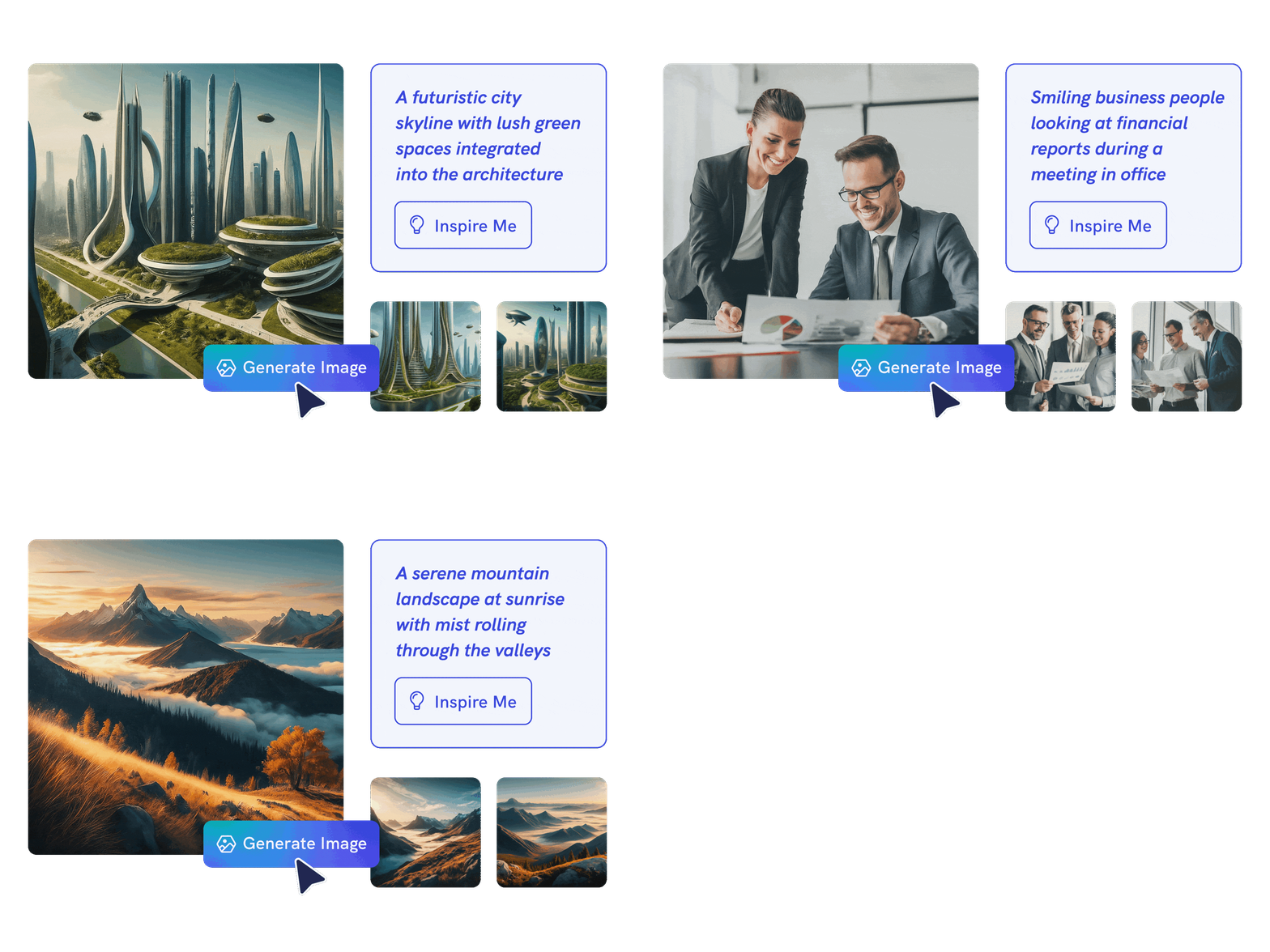
AI Image Generation
Bring your vision to life
Go stock photos and generate images that are contextualized to your needs with our advanced AI image generator. Put your creativity to the test and generate highly realistic images that make you stand out.
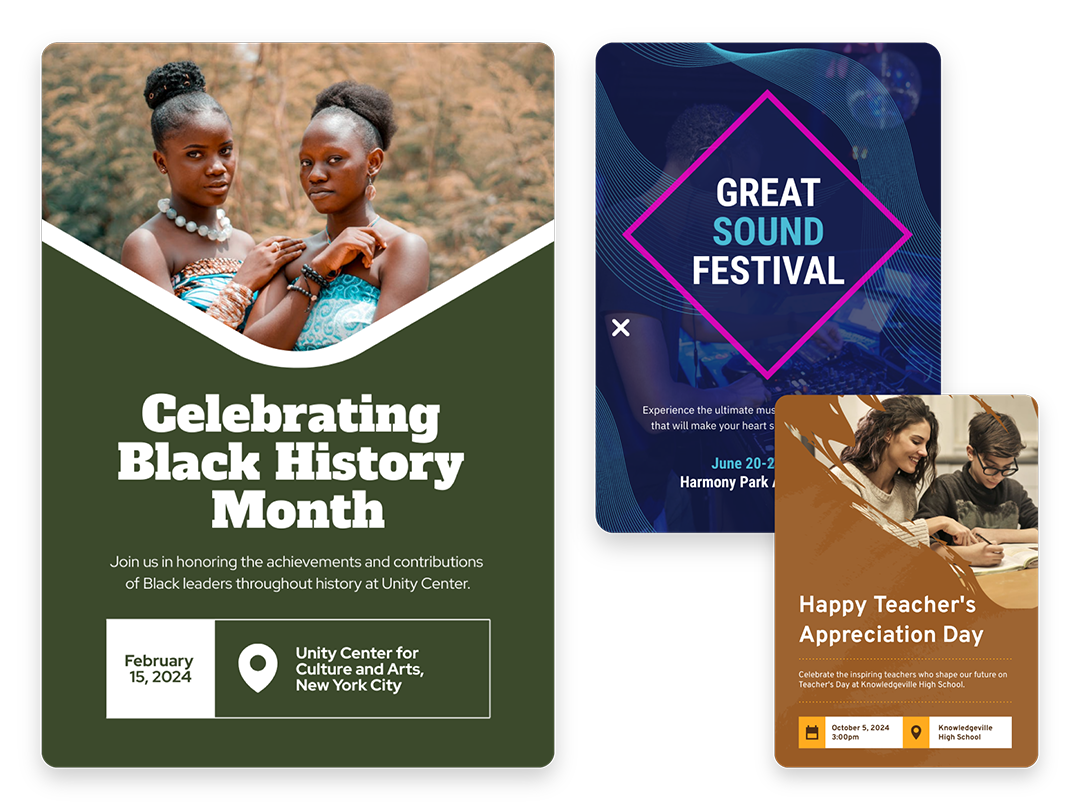
Create Without Limits
Where every idea finds its canvas
For events, marketing, learning, or personal creations, Piktochart AI delivers captivating poster designs for every need. Dive into a universe of impressive imagery tailored to suit any subject.

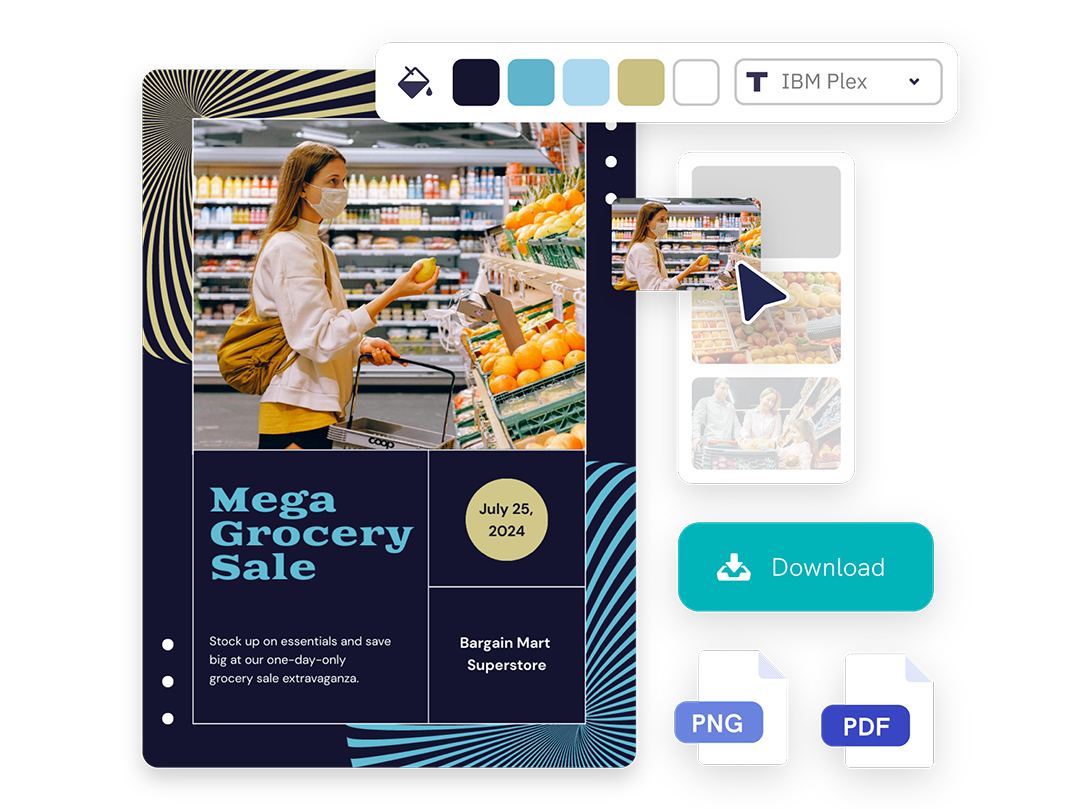
Create Your Vision
Piktochart starts, you put the finishing touches
Our AI sets the stage with a professionally crafted poster, then passes control to you, allowing you to modify and refine each detail to amplify your visual impact while keeping true to your brand.
Posters created using Piktochart’s AI-powered poster maker
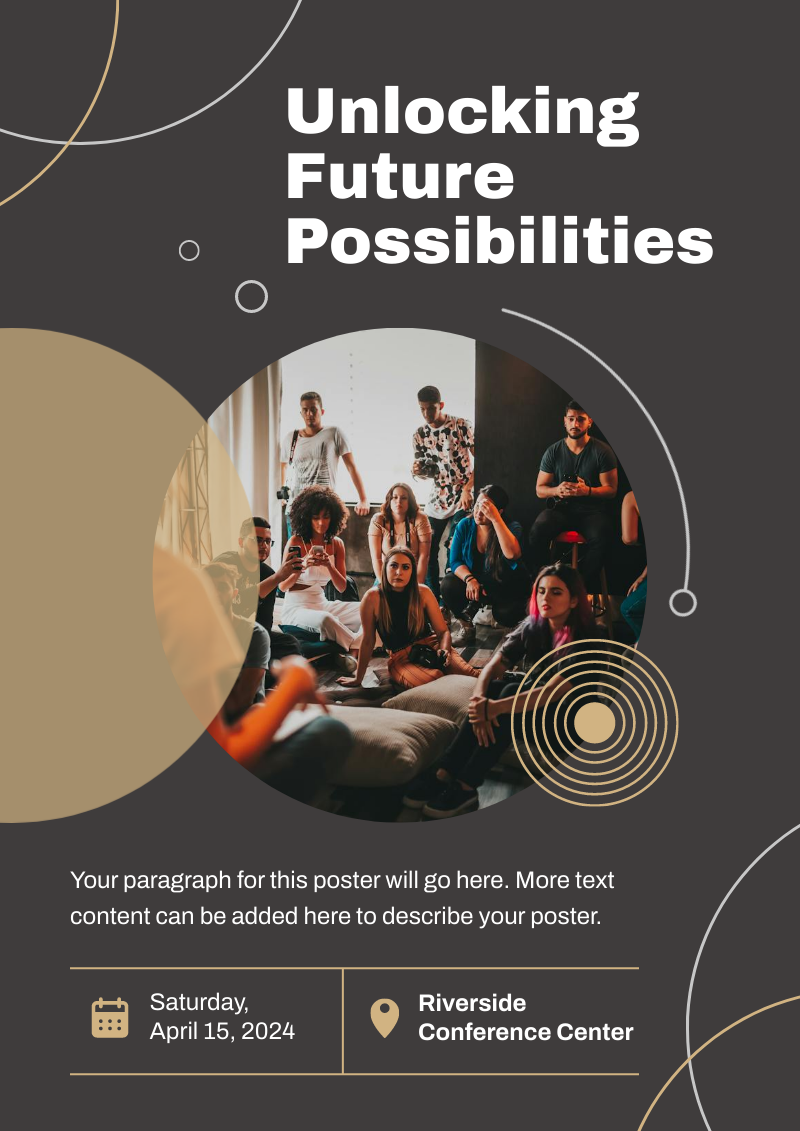

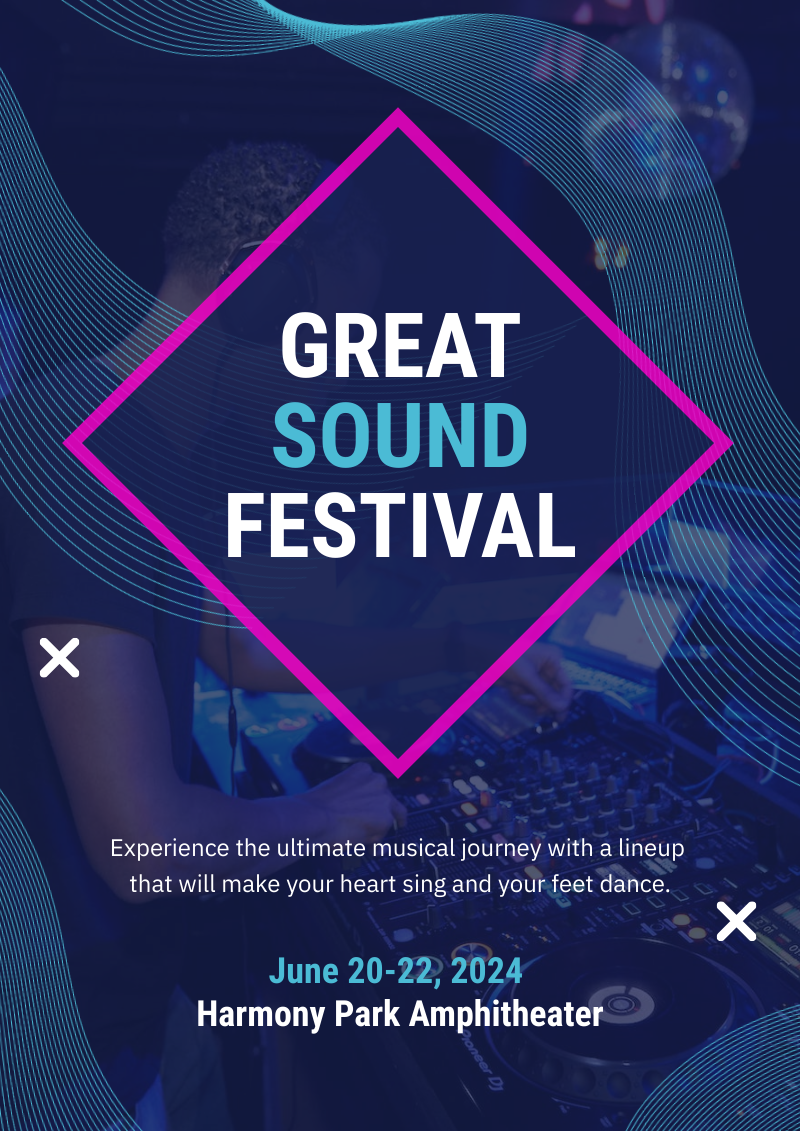
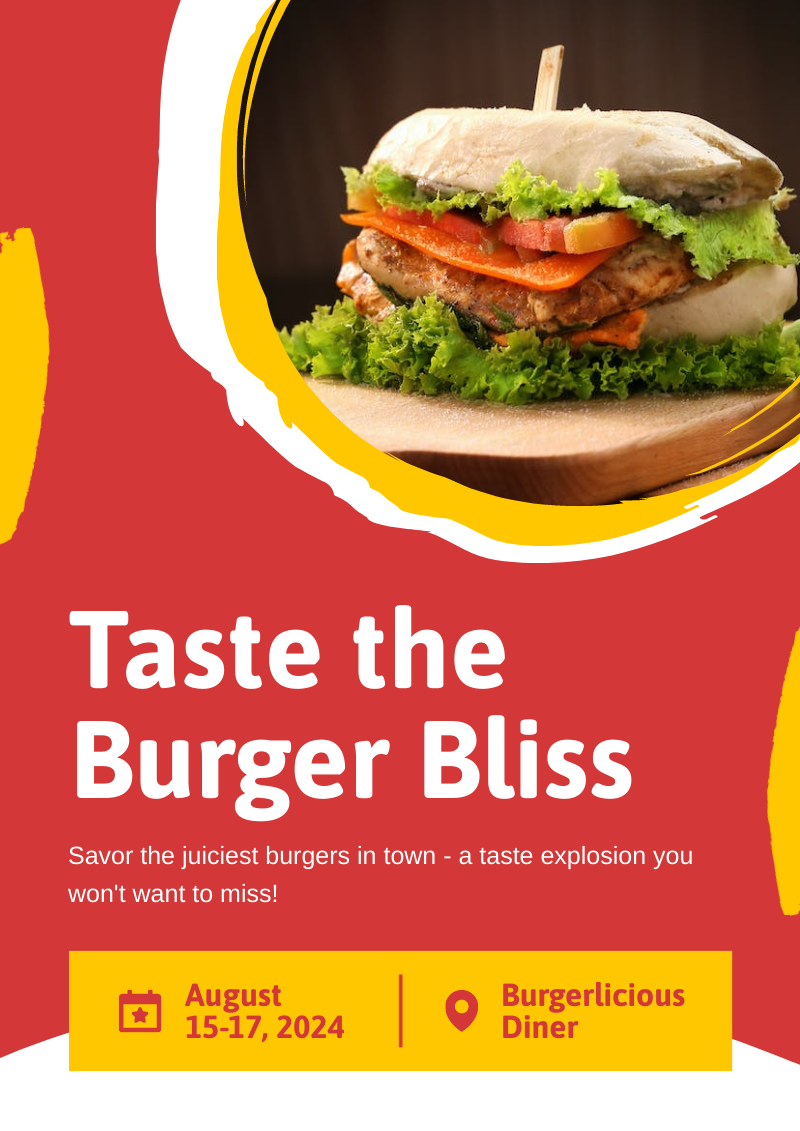

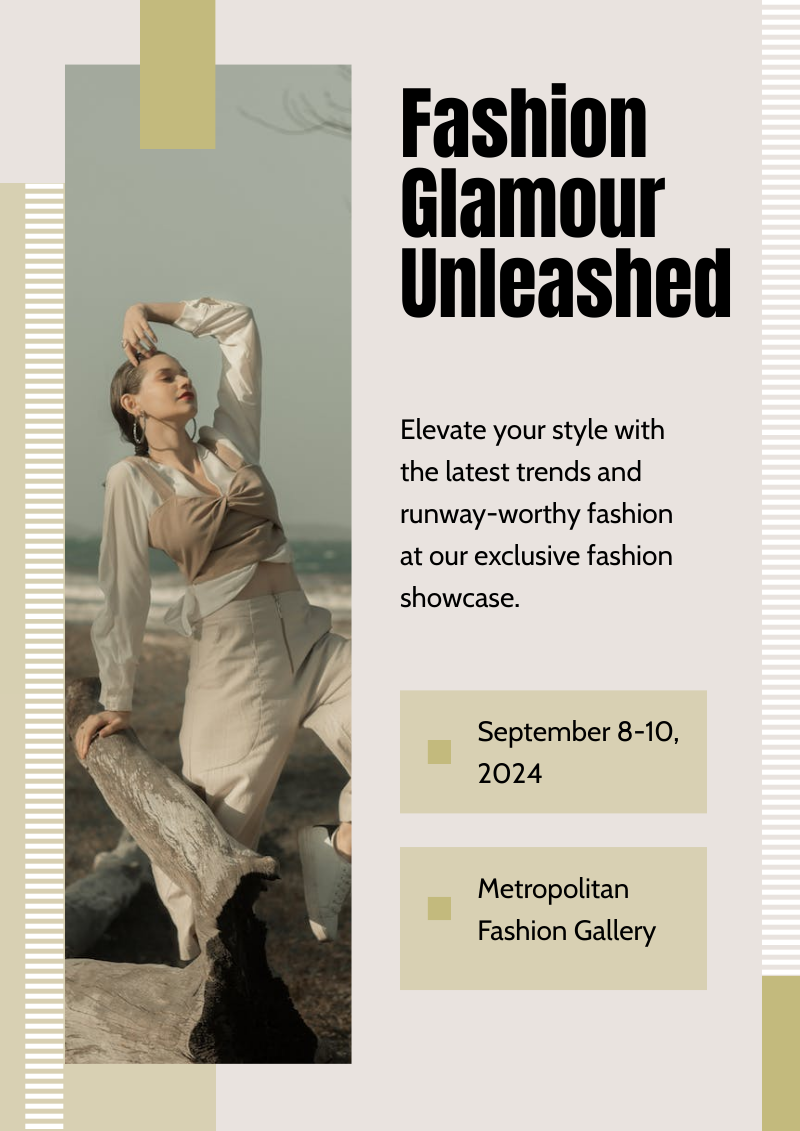



Professionals like you use Piktochart’s free online AI poster maker to:

Marketers
- Create eye-catching promotional materials that align with brand identity, ideal for advertising campaigns, product launches, and trade shows.
- Design captivating posters for corporate events, webinars, and conferences.
- Communicate new offers, services, or store openings.

HR & Internal Comms
- Internal announcements, motivational quotes, or event notifications.
- Job advertisements and onboarding materials to attract and welcome new employees.
- Convey important company policies and reminders through clear, engaging posters, ensuring better compliance and awareness.

NGOs and Government Organizations
- Develop impactful posters for awareness drives, fundraising events, and community outreach programs.
- Attract volunteers, highlighting the roles, benefits, and the difference they can make.
- Announce charity events, workshops, and seminars.

Healthcare
- Create informative posters on health topics, wellness tips, and medical advisories.
- Showcase healthcare services, specialist departments, and new medical technologies available at healthcare facilities.
- Display important health and safety protocols within healthcare settings.
A quick guide on how to generate a poster from a text description using AI for free
How to Make a Poster with AI
1. Define Your Story
Briefly describe (within 120 characters) the purpose behind your poster. Whether it’s for promotion, making an announcement, driving awareness, or sharing health information.
2. Select from Our Varied Poster Designs
Jumpstart your project with our array of ready-to-use poster templates, perfect for shining a spotlight on any subject. After picking your preferred design, you’ll find yourself in our editing suite.
3. Tweak the Design with Piktochart Editor
With your template chosen, hitting the “Edit” button grants you entry into the Piktochart editor. This is your playground to adjust, alter, and align the design to reflect your personal touch and message.
4. Enhance with Visual Elements
Piktochart’s user-friendly drag-and-drop editor makes personalization a breeze. Tap into our rich collection of complimentary photos, icons, illustrations, and text options to craft a poster that stands out. Enhancing and tailoring colors is just a click away with our versatile design tool.
5. Publish and Promote
Once your poster is exactly as you envisioned, it’s time to save and share your work. Export in various formats like PNG or PDF (requires a Pro subscription), catering to both digital platforms and print materials.
AI-Powered Visualization for Any Topic
What kinds of posters can be generated using this AI tool?
Navigating design elements and finding the right visual style can be daunting. With Pikto AI, it’s easy to transform data into high-quality posters. Excellence made simple, just for you.
Event posters
Drum up buzz and awareness for an upcoming event. Piktochart AI transform dense data and information into engaging invitational posters for your events.
Advertising posters
Spark emotions that incite action – whether it is to make a purchase, improve brand opinion, donate to a cause, or make a lifestyle change. With Pikto AI, it’s achievable at the click of a button.
Conference posters
Inform your audience with a glance about an upcoming conference. Whether it’s for a medical conference, marketing conference, or any conferences, Pikto AI’s user-friendly poster maker helps you catch the attention of your audience effortlessly.
Ready to use AI to design posters like a pro?
Join more than 14 million people who already use Pikto AI to create stunning posters.
FAQs
{
« @context »: « https://schema.org »,
« @type »: « FAQPage »,
« mainEntity »: [
{
« @type »: « Question »,
« name »: « Is it possible to personalize my poster with my own photos and diagrams? »,
« acceptedAnswer »: {
« @type »: « Answer »,
« text »: « Absolutely – after choosing your preferred template, you’ll move to our editing platform. Here, you can incorporate both images and diagrams from our extensive collection of visuals or upload personal assets. Our AI-driven poster tool is on hand to assist in crafting visuals on par with professional graphic designers. »
}
}, {
« @type »: « Question »,
« name »: « What’s the limit on poster creation? »,
« acceptedAnswer »: {
« @type »: « Answer »,
« text »: « Sign up for a free Piktochart account and receive 60 AI credits each month to explore our AI capabilities. Credits are used based on features, with 1 credit for topic generation, 3 credits for pasting text or uploading documents, and 25 credits for image generation. Upgraded plans come with even more credits: 250 credits for EDU/NPO Pro, 500 for Pro, and 1,000 for Business/Enterprise subscribers, all renewed monthly. Learn more here. »
}
}, {
« @type »: « Question »,
« name »: « How do I enhance the quality of my posters? »,
« acceptedAnswer »: {
« @type »: « Answer »,
« text »: « For optimal outcomes, providing detailed descriptions of your intended theme is key. Experimenting with various prompts may also lead to improved results. »
}
}, {
« @type »: « Question »,
« name »: « How long does it take to create my poster with AI? « ,
« acceptedAnswer »: {
« @type »: « Answer »,
« text »: « Piktochart AI swiftly prepares your foundation in under 10 seconds based on your poster topic. After generating your poster, easily customize it with additional content or design elements. Explore our guide on how to create a poster. »
}
}, {
« @type »: « Question »,
« name »: « Is signing up mandatory to use Piktochart? »,
« acceptedAnswer »: {
« @type »: « Answer »,
« text »: « Yes, creating a free Piktochart account is necessary to edit, customize, or download your poster. With a free account, you have 7 days of access with the standard free plan features, plus temporary perks such as full access to all templates and 60 AI credits. »
}
}, {
« @type »: « Question »,
« name »: « Why use an AI poster maker? »,
« acceptedAnswer »: {
« @type »: « Answer »,
« text »: « Using an AI poster maker ensures quick, professional-quality designs without needing graphic design expertise. It offers templates, customization options, and data integration, making poster creation efficient and accessible for various purposes. »
}
}, {
« @type »: « Question »,
« name »: « What are the rules that apply to my use of Piktochart AI? « ,
« acceptedAnswer »: {
« @type »: « Answer »,
« text »: « Read our terms of use here. »
}
} ]
}
Poster Resources