Piktochart Templates Posters / Conference
Conference Posters
From rookie researcher to pro presenter: Transform complex data into stunning visuals. No design skills required here - let your research do the talking. Your ideas deserve a spotlight.
Conference Posters
 Conference
Grow Poster
Conference
Grow Poster
 Conference
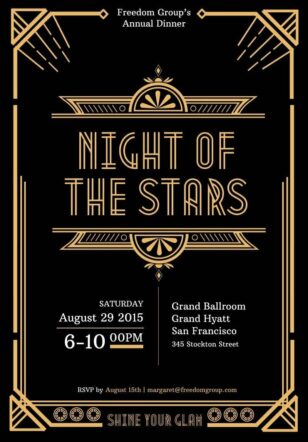
Annual Dinner Invitation
Conference
Annual Dinner Invitation
 Conference
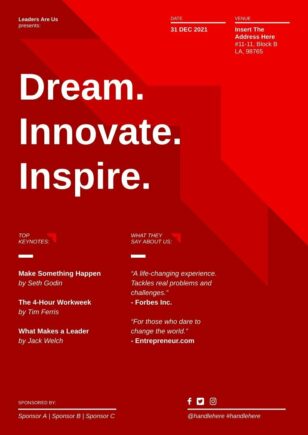
Leadership Conference Design
Conference
Leadership Conference Design
 Conference
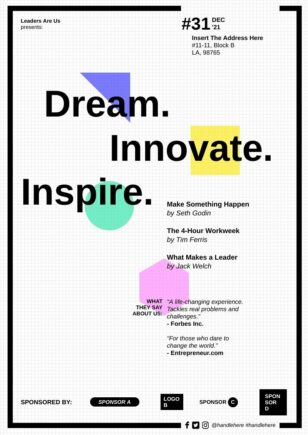
Leadership Conference Creative
Conference
Leadership Conference Creative
 Conference
Business Leadership Conference
Conference
Business Leadership Conference
 Conference
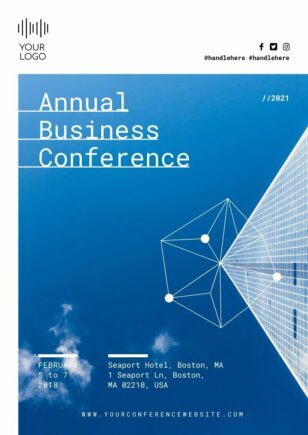
Business Conference
Conference
Business Conference
 Conference
Corporate Conference
Conference
Corporate Conference
 Conference
Professional Conference
Conference
Professional Conference
 Conference
Enterprise Conference
Conference
Enterprise Conference
 Conference
Entrepreneur Conference
Conference
Entrepreneur Conference
 Conference
 agenda
Conference
Conference agenda
 Conference
Marketing Conference
Conference
Marketing Conference
 Conference
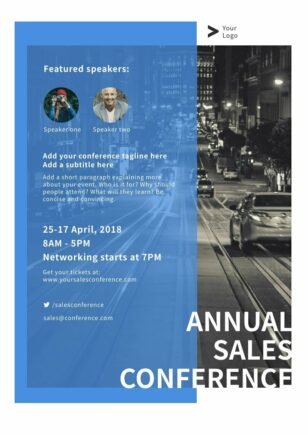
Sales Conference
Conference
Sales Conference
 Conference
Medical Conference
Conference
Medical Conference
 Conference
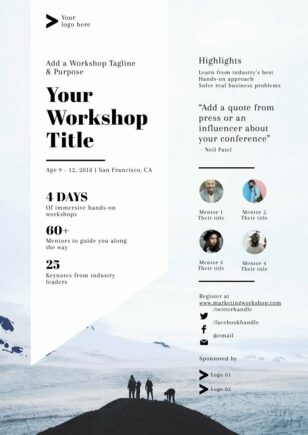
Marketing Workshop
Conference
Marketing Workshop
 Conference
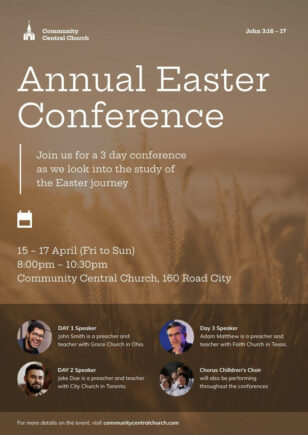
Annual Easter Conference
Conference
Annual Easter Conference
 Conference
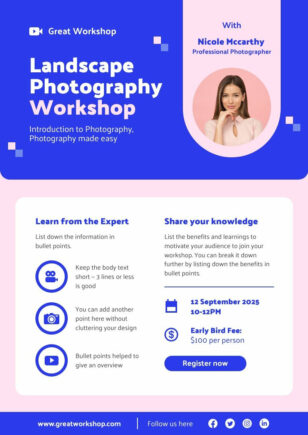
Photography Workshop
Conference
Photography Workshop
 Conference
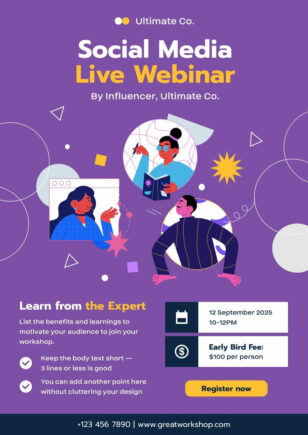
Social Media Live Webinar
Conference
Social Media Live Webinar
 Conference
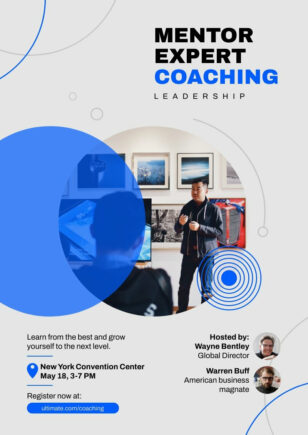
Digital Marketing Workshop
Conference
Digital Marketing Workshop
 Conference
Online Class Poster
Conference
Online Class Poster
 Conference
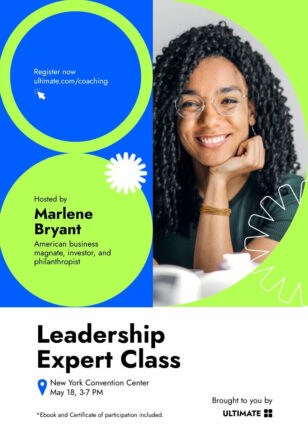
 Poster
Conference
Conference Poster
 Conference
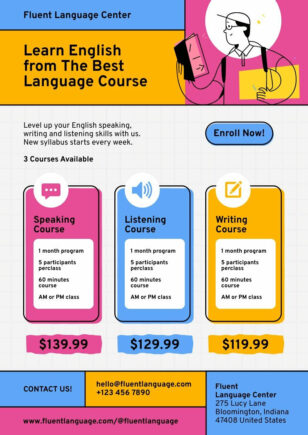
Classes Poster Design
Conference
Classes Poster Design
 Conference
Courses Poster
Conference
Courses Poster
 Conference
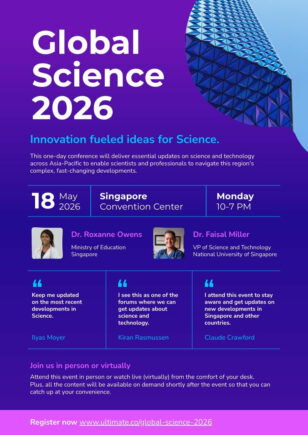
Scientific Conference Poster
Conference
Scientific Conference Poster
 Conference
Digital Marketing Course Poster
Conference
Digital Marketing Course Poster
 Conference
International Sign Language Day
Conference
International Sign Language Day
 Conference
Sign Language Day
Conference
Sign Language Day
 Conference
Workshop Invitation
Conference
Workshop Invitation
Conference poster templates for academic events
Imagine walking into a conference hall, your poster drawing admiring glances and sparking conversations. This scenario isn’t only reserved for design experts or seasoned presenters – it’s within your reach, regardless of your experience level.
With our intuitive platform, you’ll transform complex data into visually stunning presentations. Choose from a wide array of professionally designed templates, each optimized for scientific and academic contexts. Customize colors, fonts, and layouts with ease, ensuring your research takes center stage.
Time constraints? No worries. Our user-friendly interface allows you to create impactful posters in a fraction of the time traditional methods require. Whether you’re presenting groundbreaking findings or summarizing years of study, your ideas deserve a canvas worthy of their brilliance.
Ready to elevate your conference presence? Try using our conference poster templates, or create your own poster in seconds with our AI poster maker – it’s free, fast, and might change the way you approach research presentations forever. Your journey from data to dazzling begins here.
Want a conference poster in seconds? Try our AI poster maker — describe your research and the tool produces a poster you can refine in our editor.
Conference Posters FAQs
What size should a conference poster be?
Most academic conference posters are A0 (33.1 × 46.8 in) or 36 × 48 in — Piktochart includes both presets so you can print to standard poster boards.
How do I structure a research poster?
Use the standard sections: title, authors, abstract, introduction, methods, results, discussion, conclusion, and references — every Piktochart conference poster template follows this layout.
Can I add charts, graphs, and statistical visualisations to a poster?
Yes — drop in Piktochart’s chart blocks (bar, line, scatter, box plot) and they’ll render at print resolution so the data stays sharp at A0 size.
Do I need Photoshop or Illustrator to edit a conference poster template?
No — every Piktochart conference poster opens in our browser-based editor, no Photoshop, Illustrator, or PSD files required.
Can I export a conference poster as a print-ready PDF?
Yes — export to high-resolution PDF (300 DPI) ready for the campus print shop or any professional poster printer.